Nov 11, 2025
Blog

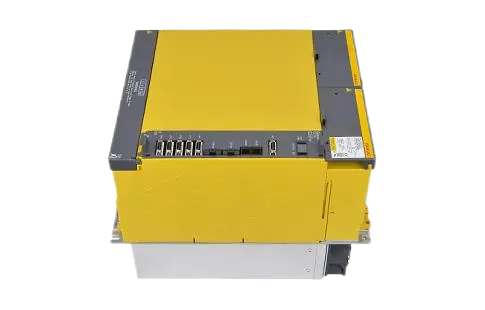
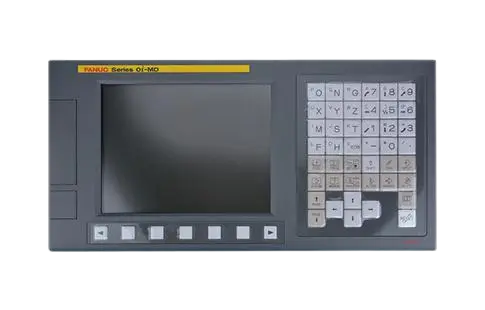

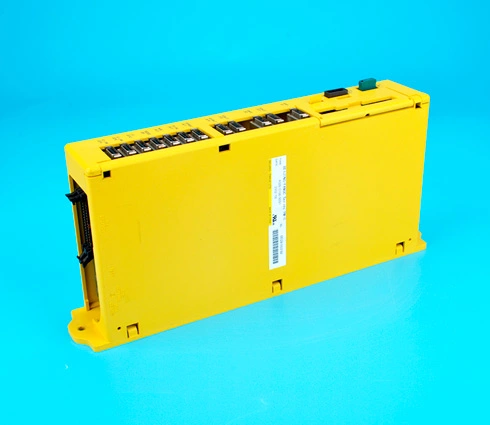
In high-performance CNC environments where precision and uptime are mission-critical, FANUC spindle and servo systems deliver the reliability manufacturers demand. But even the most robust systems occasionally issue alarms. One such issue frequently encountered in field applications is the SP9073 Serial Spindle Error Alarm.
This error typically appears in FANUC-controlled CNC machines when there's a breakdown in communication between the spindle amplifier and the FANUC CNC system. It's a serious alarm—one that can halt production instantly and demands prompt, accurate diagnosis.
In this article, we'll dive into the technical background, primary causes, and professional troubleshooting methods for the SP9073 alarm, as well as explain how it fits into the broader fanuc drive alarm list.
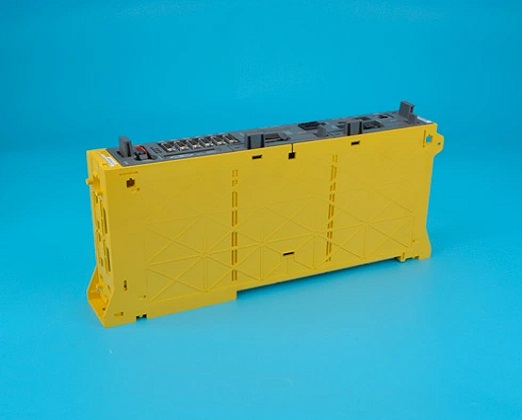
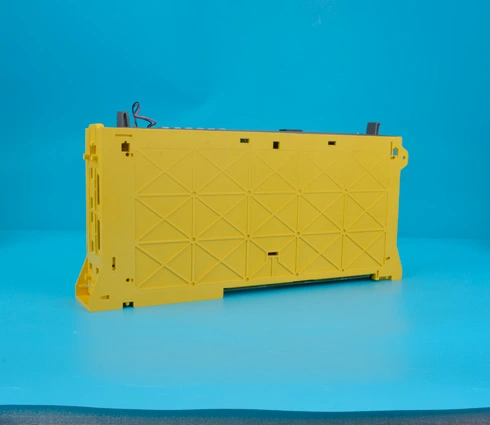
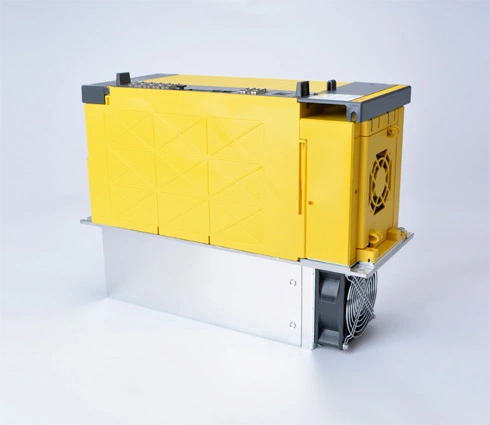
The SP9073 Serial Spindle Error Alarm is a serial communication fault specifically related to the FANUC spindle amplifier.
Definition (per FANUC documentation):
The CNC cannot establish or maintain communication with the spindle amplifier over the high-speed serial interface.
This is not a mechanical fault or a power issue—it is fundamentally a communication-layer error, often stemming from:
Faulty fiber optic cables
Power issues at the spindle drive
Improper grounding or electrical noise
Internal amplifier failure
Because this error interrupts the CNC-spindle handshake, it immediately disables spindle functionality—halting machining operations.
| Cause Category | Typical Root Issues |
Fiber Optic Link Fault | Damaged or misaligned fiber optic cables between the CNC and spindle amplifier |
Drive Not Powered On | Control signal reaches the amplifier, but no power at the drive |
Grounding/Noise Interference | Poor chassis grounding or high EMI environment causes serial communication loss |
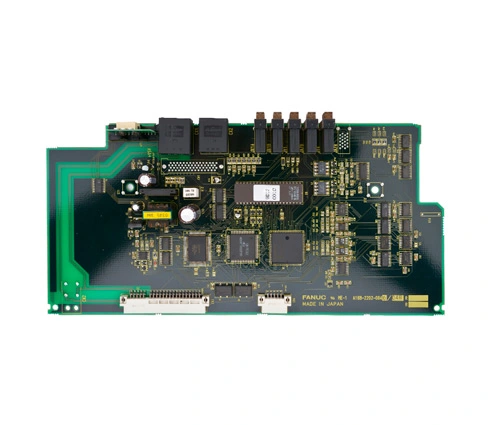
Spindle Amplifier Failure | Internal board or logic fault within the αi spindle amplifier |
Incorrect Drive Configuration | Parameter mismatch or incorrect hardware addressing during setup |
This alarm is more likely to appear during:
System startup
After replacing a spindle drive
When retrofitting or integrating older CNCs with newer FANUC amplifiers
The fanuc drive alarm list includes all standard amplifier and motor-related faults, including overcurrent, overvoltage, and thermal errors. However, SP-series alarms (like SP9073) are often tied to communication issues between drives and the CNC control.
They are non-recoverable without intervention, meaning a simple reset or power cycle usually won't resolve the issue unless the root cause is addressed.
Related communication alarms include:
SV9070 – Serial servo communication error
SP9010 – Spindle amplifier not ready
SP9025 – Serial data transmission fault (spindle)
Check both Tx (Transmit) and Rx (Receive) fiber lines between the CNC and the spindle amplifier.
Ensure they are fully seated and not bent, kinked, or contaminated.
Use a fiber tester or loopback connector to confirm signal continuity.
Tip: If you have a spare working fiber cable, temporarily swap it to eliminate the cable as a variable.
Open the electrical cabinet and ensure that the DC power bus or main supply to the spindle drive is active.
Check fuses, circuit breakers, and power distribution blocks.
Confirm that LED indicators on the amplifier show normal status (typically green).
Use a multimeter to verify grounding continuity between the CNC controller, servo/spindle drives, and cabinet frame.
Ensure that shielded cables are terminated properly and not floating.
Eliminate sources of EMI, such as nearby VFDs, unshielded cables, or motor relays.
Double-check axis/spindle configuration parameters, including hardware addresses and amplifier assignment.
In some cases, if the wrong spindle number or amplifier ID is assigned, communication fails.
Use FANUC's maintenance mode or SERVO SETUP screen to re-scan drives.
If all external connections and power inputs are verified and the issue persists:
Try connecting the amplifier to a different control system to isolate the fault.
If communication still fails, the internal logic board or communication interface of the spindle drive may be defective.
Replacement of the amplifier or control board is recommended under FANUC-authorized procedures.
Label and inspect fiber cables routinely to prevent misrouting or damage during maintenance.
Maintain clean and controlled environments inside the electrical cabinet—dust and heat can degrade fiber optics.
Keep firmware updated when replacing amplifiers to ensure backward compatibility.
Log communication-related alarms using FANUC diagnostics to monitor recurring issues before failure.
The FANUC SP9073 Serial Spindle Error Alarm is a critical CNC fault that halts machining by severing spindle amplifier communication. In most cases, this alarm points to issues with fiber optic connectivity, power loss, or amplifier configuration problems.
To resolve it efficiently:
Use a structured diagnostic approach starting with cable integrity, power verification, and system grounding.
Reference the fanuc drive alarm list for related amplifier faults that may indicate a deeper root cause.
By following these expert troubleshooting steps, you'll reduce downtime, avoid unnecessary hardware swaps, and maintain reliable spindle control across your FANUC-equipped CNC systems.