Sep 08, 2025
Blog

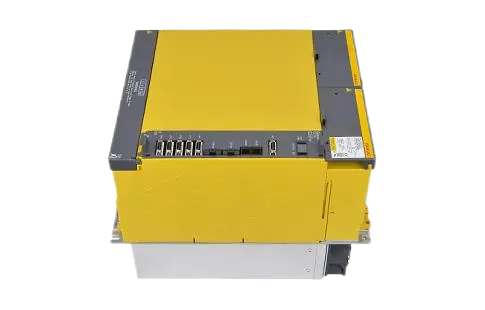
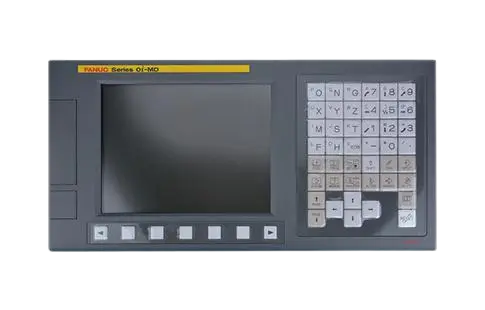
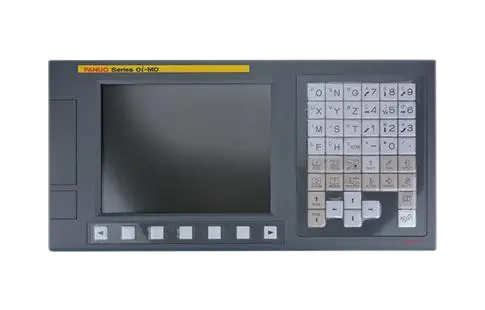

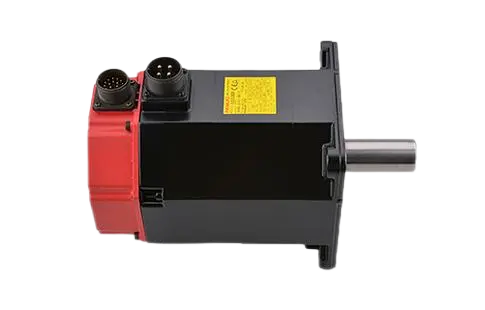
If you are running a FANUC-controlled CNC machine and encounter Alarm 51 on the spindle drive, the issue needs immediate attention. This alarm typically indicates an overspeed or abnormal feedback condition in the spindle system. To keep production running smoothly, you need to identify the root cause and apply the correct fix without unnecessary downtime.
As an industry expert, I'll break down the meaning, causes, and proven troubleshooting steps for Alarm 51 on a FANUC drive.
Alarm 51 on a FANUC spindle amplifier generally points to:
Spindle overspeed (the spindle motor is running beyond safe limits).
Feedback signal mismatch (problem with spindle encoder feedback or wiring).
Improper parameter settings (incorrect speed or acceleration configuration).
The alarm is essentially a protective measure, stopping the drive to prevent serious damage to the motor or control system.
When troubleshooting Alarm 51, consider the following root causes:
Encoder or feedback issues
Faulty spindle encoder.
Loose or damaged encoder cables.
Electrical noise interfering with feedback signals.
Parameter misconfiguration
Maximum spindle speed set higher than motor capability.
Incorrect acceleration/deceleration values.
Mechanical problems
Excessive load or resistance on the spindle.
Bearings or couplings creating drag, leading to speed errors.
Spindle amplifier fault
Internal failure in the FANUC drive module.
Overvoltage or overcurrent detected inside the drive.
Inspect encoder connections for looseness or damage.
Verify encoder output using diagnostic tools on the FANUC CNC system.
Replace the encoder if signals are unstable or missing.
Review the maximum RPM setting against spindle motor specifications.
Adjust acceleration/deceleration parameters if they exceed safe operating ranges.
Cross-check parameter data with the FANUC maintenance manual.
Rotate the spindle manually to check for abnormal resistance.
Inspect spindle bearings and couplings for wear or binding.
Ensure proper lubrication and alignment.
Swap spindle drive modules (if available) to confirm whether the issue is drive-related.
Check for stored alarms in the fanuc drive alarm history.
If the drive is defective, replacement may be necessary.
Perform routine encoder inspections to ensure reliable feedback.
Keep spindle drive modules free of dust and properly cooled.
Set spindle parameters conservatively within manufacturer specs.
Schedule preventive maintenance checks to catch small issues before they trigger alarms.
Alarm 51 on a FANUC spindle drive is a serious but manageable issue. In most cases, the alarm is tied to encoder feedback problems, parameter misconfiguration, or mechanical resistance. By following a structured troubleshooting process—starting with feedback checks and moving through parameters, mechanics, and the drive module—you can quickly restore machine operation.
If the FANUC drive itself is faulty, sourcing an original replacement from a trusted distributor ensures long-term reliability and minimizes downtime.
What is Alarm 51 on a FANUC spindle drive?
It indicates a spindle overspeed or feedback error, often linked to encoder or parameter issues.
Can I reset Alarm 51 without fixing the issue?
You can reset it temporarily, but the alarm will recur until the root cause—encoder, parameter, or drive fault—is resolved.
How do I know if the FANUC drive needs replacement?
If the alarm persists after encoder and parameter checks, and swapping the amplifier eliminates the problem, the original drive is defective.
Does Alarm 51 damage the spindle motor?
Not directly. The alarm is a protective shutdown, but repeated overspeed conditions can stress the motor and bearings.