Jun 20, 2025
Blog

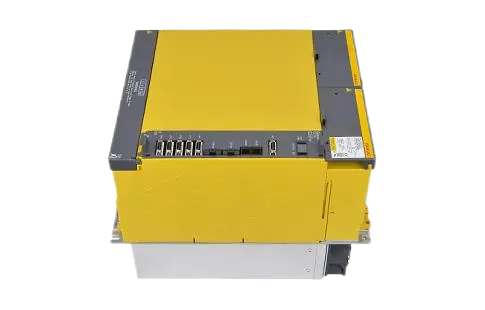
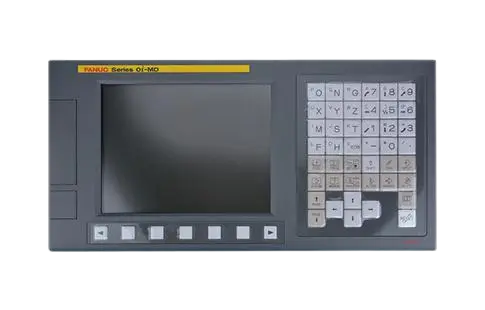

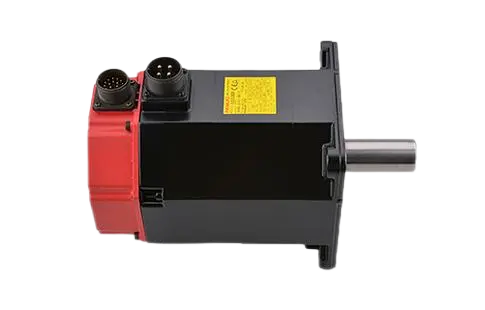
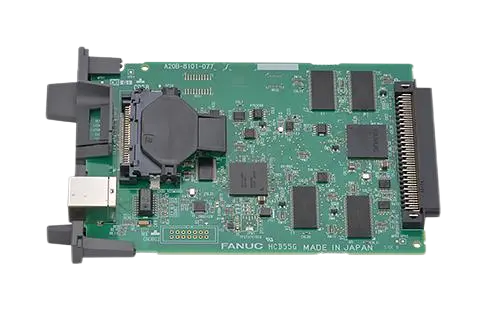

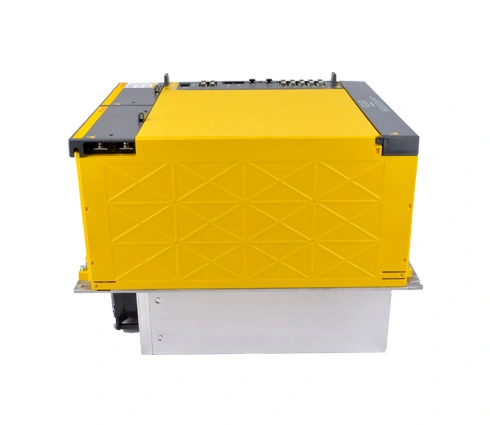
In high-performance CNC systems, power stability is non-negotiable. That's why FANUC Alpha Power Supply Modules are critical components across a wide range of industrial applications—from multi-axis machining centers to high-speed turning lines. But even the most reliable hardware can occasionally run into issues.
So, what do you do when your Fanuc power supply module throws an alarm?
The short answer: Identify the alarm code immediately, understand what it means, and take action based on its severity. In this article, we break down the most common Fanuc power supply module alarms, what they indicate, and how to troubleshoot them effectively.
A Fanuc power supply module alarm is a fault signal generated by the Alpha series power supply unit (PSU) when it detects an abnormal condition. These alarms are typically displayed as LED blink codes or error numbers on the PSU or via the CNC diagnostic screen.
They're designed to protect your system from:
Overvoltage or undervoltage
Overcurrent or short circuits
Excessive internal temperature
Regenerative braking faults
Communication issues with the servo amplifier
These alarms are not just indicators—they're fail-safes to protect your motors, drives, and even your CNC machine from catastrophic failure.
Below is a breakdown of the most frequently encountered alarm codes and what they actually mean.
| Alarm Code | Description | Possible Causes | Suggested Actions |
AL-01 | Overcurrent in main circuit | Short circuit, faulty servo drive | Check wiring and servo amplifier |
AL-02 | Overvoltage | Excessive line voltage or regen failure | Verify line voltage and regen resistor |
AL-03 | Overheat | Cooling fan failure, clogged vents | Inspect and clean fan; check ambient temp |
AL-04 | Fan Alarm | Internal fan malfunction | Replace fan assembly |
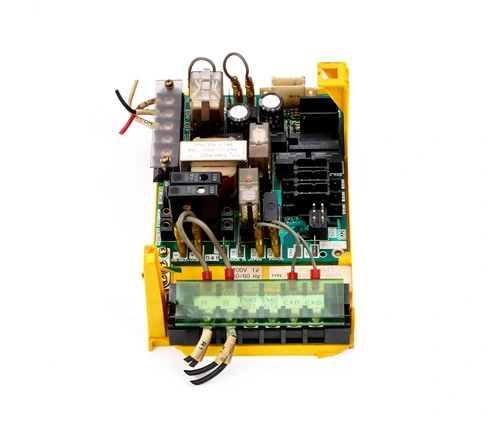
AL-05 | Control power supply fault | Internal board issue | Replace PSU or inspect for board damage |
AL-06 | Regeneration error | Overload on braking resistor | Check brake resistor value and connections |
AL-07 | Low voltage | Inadequate power supply | Check input voltage and transformer health |
AL-09 | Internal memory error | EEPROM or RAM corruption | Reboot or replace unit if persistent |
AL-11 | Communication error with CNC | Fiber cable failure or misalignment | Inspect cables and retry connection |
Note: Alarm codes may display differently depending on whether you're using an Alpha, Alpha i, or Beta series PSU. Always refer to your specific model's maintenance manual
.
When you encounter a fanuc power supply module alarm, follow this structured approach:
Turn off main power and wait for complete discharge (LED off).
Power back on and observe alarm status.
Check for burnt smells, discolored PCBs, or loose wiring.
Clean dust buildup in cooling fans and ventilation paths.
Use a multimeter to confirm voltage is within rated specs.
Ensure proper grounding to prevent electrical noise or surges.
Measure resistance and wiring continuity.
Verify model-specific resistance values using the manual.
FANUC control systems allow viewing alarm histories via the CNC screen.
Go to SYSTEM → DIAGNOSIS or ALARM → SERVO to access logs.
If alarms persist after inspection, you may need to replace:
Internal fan
PSU control board
Fiber optic cable (for Alpha i series)
Monitor alarm frequency over time: Repeated AL-02 or AL-03 may indicate environmental or electrical instability.
Check for ripple voltages: Excessive AC ripple in DC circuits is a sign of capacitor failure.
Use thermal imaging during diagnostics to detect overheating spots in real time.
Log alarms using CNC software tools or external monitoring systems—especially helpful in 24/7 production environments.
The Alpha power supply module is commonly used in:
FANUC 0i, 15i, 16i, 18i, and 21i control series
FANUC CNC machining centers, lathe systems, and automated gantry lines
Servo/spindle drive combinations across robotics and motion control platforms
If your system uses a fanuc ac servo drive, it's very likely powered through an Alpha series PSU, meaning accurate alarm identification is critical to machine health.
Understanding and responding quickly to a fanuc power supply module alarm is essential for minimizing downtime and protecting your equipment investment. Each alarm code is an opportunity to detect a fault before it becomes a failure.
Whether you're managing a single CNC machine or an entire production line, proactive maintenance and informed troubleshooting are the keys to uninterrupted performance.
Need help sourcing a replacement FANUC Alpha power supply or identifying a persistent alarm? Our team at fanucbuy.com is here to support you with OEM parts, technical expertise, and fast delivery.