Jul 10, 2025
Blog

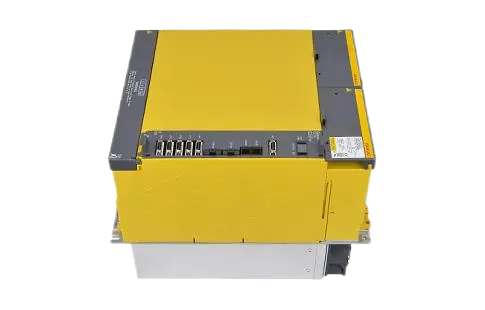
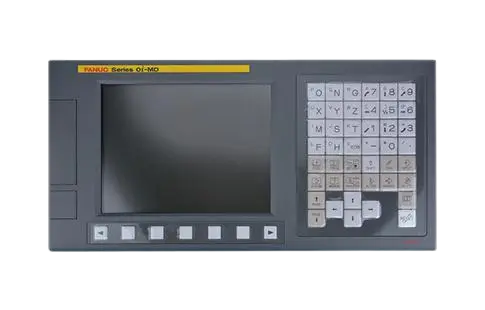
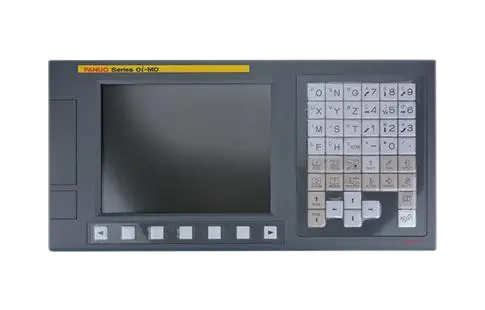

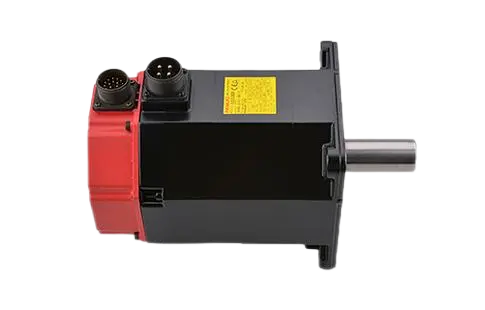
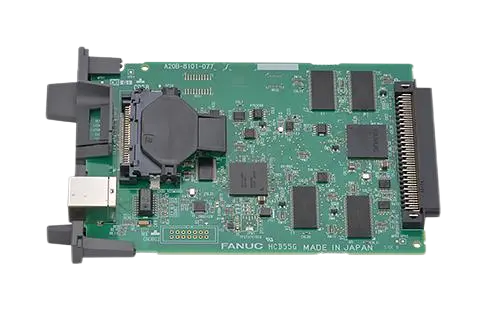
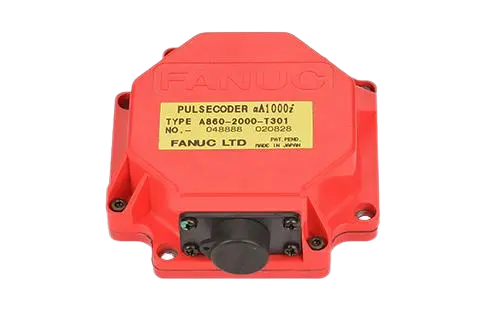
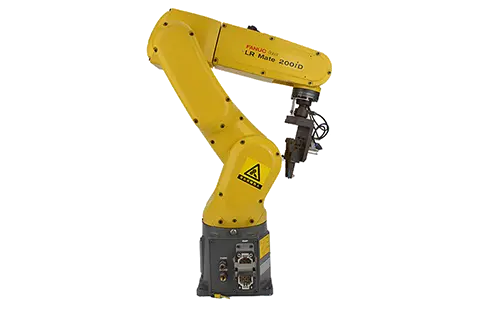
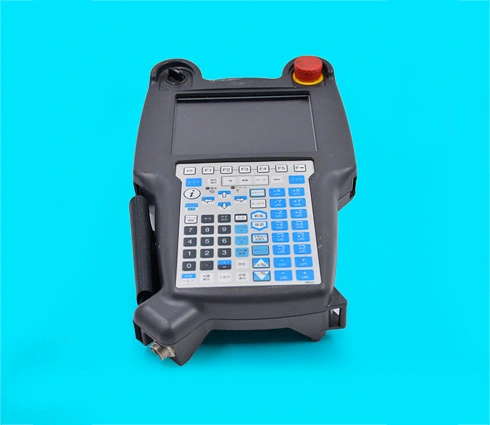
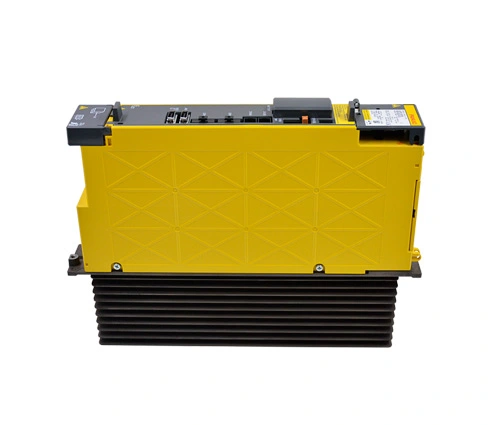
The FANUC teach pendant is a vital tool in the operation and programming of FANUC robots. Its intuitive interface and robust functionality allow technicians to effectively control and manage robotic systems. Whether you're new to robotics or an experienced professional seeking better ways to interface with fanuc robot parts, this guide will provide comprehensive insights into maximizing the use of this device. By understanding the fanuc cnc control system and components like the fanuc motor, users can optimize performance and streamline operations in various industrial applications. In this article, we'll explore the detailed steps to becoming proficient with the FANUC teach pendant, focusing on basic, advanced, and safety features as well as practical exercises for skill enhancement.
Using the fanuc teach pendant efficiently requires familiarity with its layout and functions. This section provides a detailed walkthrough of its interface and startup procedures, ensuring a robust understanding of how it integrates with the broader fanuc cnc control system.
Understanding the Interface: The teach pendant's screen and buttons are prominently designed to facilitate interaction with the robot. Grasping the layout is essential for navigating menus and inputting commands efficiently.
Connecting to the System: Before initiating any operations, ensure that the fanuc pendant is securely connected to the robot. The procedure involves checking cable integrity and connecting ports compatible with the specific fanuc cnc controller.
Powering On: Follow protocol to switch on the system safely, which involves both the robot and the teach pendant. This step ensures system readiness for operation, minimizing startup issues.
Initialization Sequence: The initialization process involves system diagnostics and establishing communication between the teach pendant and the central fanuc cnc control system.
These foundational steps set the stage for engaging in robot programming and operations through the teach pendant, equipping users with the fundamental skills necessary for daily tasks and troubleshooting within the FANUC ecosystem.
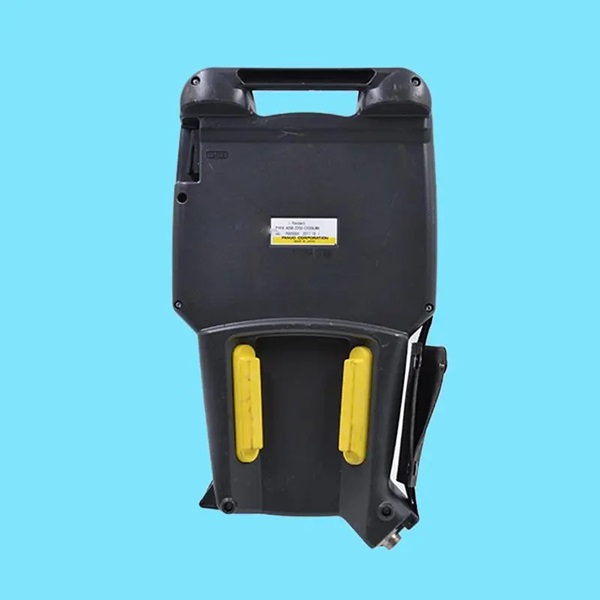
Mastering basic commands is crucial for effective robot operation. This section focuses on essential instructions to facilitate the operation of fanuc parts and perform standard tasks.
The user must familiarize themselves with key commands such as:
Jogging: Utilizing the jog function to manually move robot joints or end effectors to desired positions, a fundamental skill for setting up tasks.
Recording Positions: Learning how to record positions within the fanuc cnc controller guides the robot's movements and automates processes.
Execute Programs: Instructions on loading and executing pre-written programs, creating seamless integration between manual and automated operations.
Emergency Stops: Protocols for executing emergency stops ensure the safety of both the operator and equipment, vital for preventing damage during operation.
The precision and ease of executing these commands reinforce the importance of understanding each function, ensuring efficient operation and quick adaptation to diverse robotic tasks.
Beyond basic commands, the fanuc teach pendant boasts advanced features that enable sophisticated programming and operations. These capabilities are crucial for higher-level tasks and improved robotic performance.
Advanced functions include:
Motion Control: Complex motion control options allow for nuanced adjustments of speed, acceleration, and path optimization, enhancing the robot's operational efficiency.
Programming Logic: Integrating logical functions and conditional statements into programs enables robots to make decisions based on sensor inputs or predefined criteria, such as interacting with various fanuc motor configurations.
Simulation Mode: Utilizing simulation to preview robot actions without actual movement prevents errors and optimizes processes, saving time and resources.
Networking Capabilities: Advanced users might connect the pendant to wider networks or The Internet, enabling remote monitoring, updates, and integration with other fanuc cnc control systems.
The mastery of these advanced functions empowers users to take full control of their robotic systems, unlocking the potential for innovative applications and heightened productivity.
Safety protocols are an integral part of operating the FANUC teach pendant and associated systems. Understanding these protocols ensures operator safety and equipment longevity, crucial for maintaining continuous operation in industrial environments.
Emergency Procedures: Clear guidelines on emergency shutdowns and how to react promptly to failures prevent unintended damage and ensure human safety.
Regular Maintenance: Following a maintenance schedule for the fanuc motor and related components reduces the likelihood of unexpected breakdowns.
Environmental Conditions: Ensuring the robot operates within specified environmental conditions to avoid overheating or exposure to harmful substances, protecting both the fanuc pendant and its operators.
Training and Certification: Operators should undergo certified training to understand safety features and proper use, minimizing human error and optimizing system operations.
Adhering to these safety protocols prevents accidents and extends the lifespan of robotic equipment, reinforcing an organizational culture of safety first in all operations.

Understanding theoretical concepts is best complemented by practical exercises designed to reinforce user proficiency and confidence with the teach pendant.
Suggested practice exercises include:
Position Setup: Practicing the alignment of robot joints and end effectors using the teach pendant, simulating typical production setups.
Program Development: Writing and testing simple programs on the fanuc cnc controller and executing them within a controlled environment.
Troubleshooting: Engaging in troubleshooting exercises to identify and rectify common errors, honing diagnostics and problem-solving skills.
Advanced Scenario Simulations: Conducting advanced simulations for various production scenarios, preparing operators for real-world applications and unexpected challenges.
Such practice sessions encourage hands-on experience and facilitate the effective application of theoretical knowledge in live environments, building a foundation for continuous improvement and operational excellence.
The FANUC teach pendant is an essential tool for operators seeking to optimize their engagement with robotic systems. Understanding its key functionalities—from basic commands and advanced programming to safety protocols and practical exercises—can significantly enhance operational efficiency. For those dealing with fanuc cnc control systems or various fanuc parts, mastering the teach pendant creates opportunities for improved productivity and innovation. By incorporating proper training and ongoing practice, users can unlock the full potential of their robotic investments, fostering improvements across numerous industrial applications.
References: