Jul 13, 2025
Blog

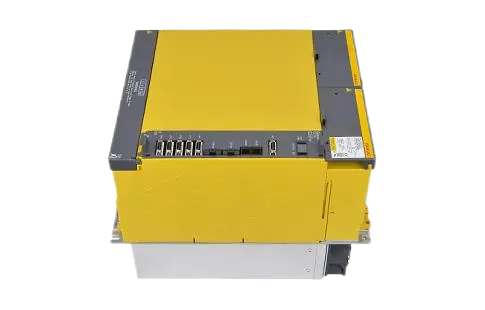
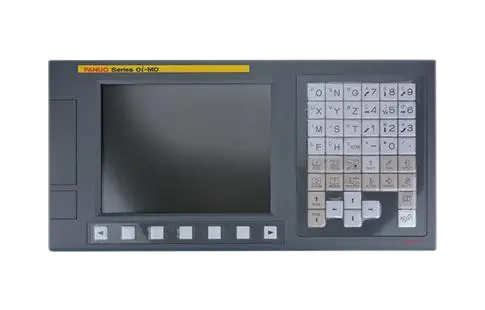

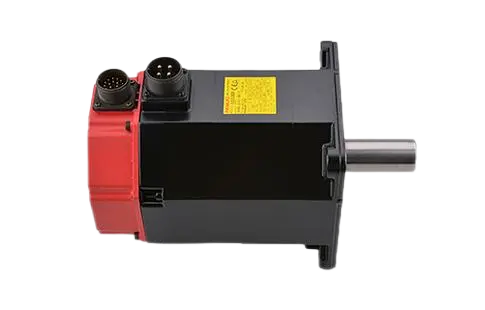
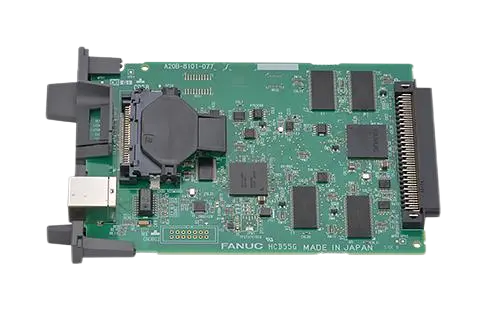
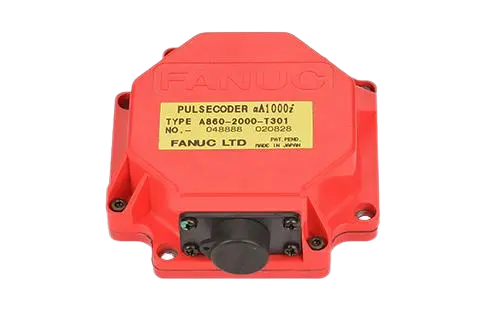
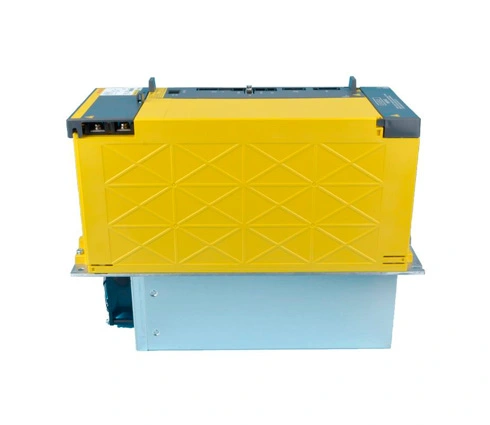
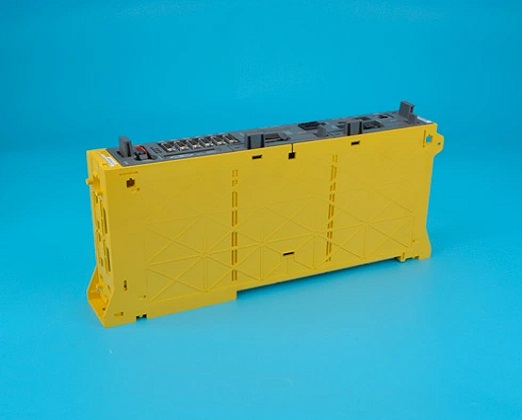
In high-precision industrial CNC systems, FANUC's αi Series servo and spindle drives are widely known for their performance, reliability, and fault tolerance. However, like any advanced motion control system, they can generate alarms under certain fault conditions. One such alarm—AL-81—is critical and requires immediate attention.
So, what does the AL-81 alarm mean in a FANUC αi Series drive?
In simple terms: AL-81 indicates a detected overcurrent during deceleration—often caused by regenerative energy exceeding absorption capacity. It is one of the key entries in the fanuc drive alarm list, especially in applications with frequent high-speed braking cycles.
This article will walk you through the technical background, causes, and expert-level troubleshooting methods for resolving the AL-81 alarm efficiently and minimizing production downtime.
Alarm Code: AL-81
Meaning: Overcurrent caused during deceleration (regenerative braking failure)
Drive Series: FANUC αi Servo Amplifier, αi Spindle Amplifier
The αi series drives are equipped with regenerative braking capabilities that convert kinetic energy into electrical energy and dissipate it through internal or external resistors. When this regenerative circuit is overloaded, or if the discharge path is compromised, the system will trigger an AL-81 to prevent internal damage.
| Cause Category | Specific Issue |
Mechanical | Sudden deceleration of high-inertia loads; improper deceleration time |
Electrical | Undersized or faulty braking resistor; power supply fluctuation |
Parameter Settings | Incorrect servo/spindle parameters (e.g., inadequate deceleration profile) |
Regenerative Circuit Failure | Internal circuit overload, or failed regenerative transistor |
Drive Hardware | Aging components, damaged IGBTs, or fan failure causing thermal stress |
During machine deceleration, servo motors act as generators, feeding power back into the drive's DC bus. If the regenerative circuit or resistor cannot absorb this energy quickly enough, the DC bus voltage rises sharply, triggering an overcurrent event. This is where the AL-81 alarm is raised.
This makes AL-81 closely related to dynamic braking and energy absorption mechanisms in the servo system. It's especially common in:
Vertical axes (Z-axis), where gravity adds to deceleration load
Applications with abrupt emergency stops
Machines with large rotating mass (spindles, rotary tables)
Inspect external brake resistor wiring for loose terminals or corrosion.
Measure resistance using a multimeter and compare it with FANUC's specifications.
Check if the resistor is undersized for the deceleration torque required.
If your application has a heavy inertia load, consider upgrading the resistor or using a regenerative power supply module.
Access servo/spindle parameters in the FANUC CNC system (e.g., parameters 2030, 2031, etc. for spindle acceleration).
Reduce the deceleration rate to allow smoother braking and prevent regenerative spikes.
Enable torque limit settings to limit the braking torque if needed.
Use FANUC diagnostic software or an oscilloscope to monitor the DC link voltage during deceleration.
If the drive's regenerative transistor is faulty, it will not dissipate power properly—causing AL-81.
In such cases, the drive amplifier may need replacement or service by a qualified technician.
If a recent mechanical modification increased the load inertia, the default braking profile may no longer be sufficient.
Use FANUC Servo Guide to perform inertia tuning and adjust gain and decel rates accordingly.
Overheating during regeneration can accelerate fault triggering.
Clean intake filters, inspect cooling fans on the αi drive, and ensure ambient temperature is within range.
In the broader fanuc drive alarm list, the AL-81 alarm is categorized under regenerative or power system errors. It is not a motor fault, but a signal that the drive system cannot manage the energy load being returned during deceleration.
Related alarms include:
AL-02 – Overvoltage
AL-03 – Overheat
AL-06 – Regenerative discharge fault
AL-99 – Internal drive communication fault
All of these could be symptomatic of a deeper power management issue in the drive system.
The FANUC AL-81 alarm in αi series drives is a deceleration overcurrent alarm, most often related to issues in regenerative energy handling. This is typically caused by high-inertia loads, incorrect parameter settings, or failed braking components.
To avoid future AL-81 occurrences:
Match your braking resistor capacity to your machine's energy profile
Tune acceleration/deceleration settings conservatively
Regularly maintain cooling fans and drive hardware
Log alarm frequency and analyze using CNC diagnostics
By proactively managing your power system and understanding your full fanuc drive alarm list, you'll not only minimize downtime—but also extend the lifespan of your servo and spindle systems.