May 31, 2025
Blog

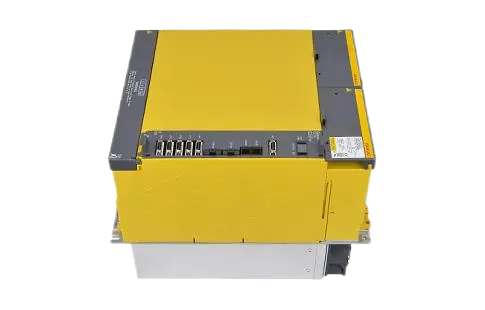
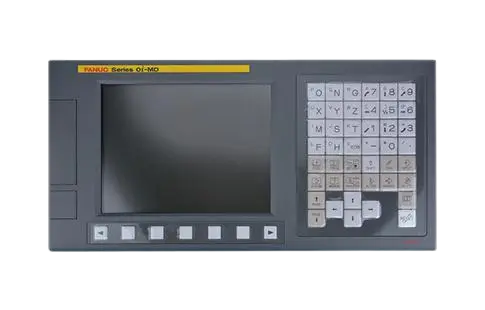
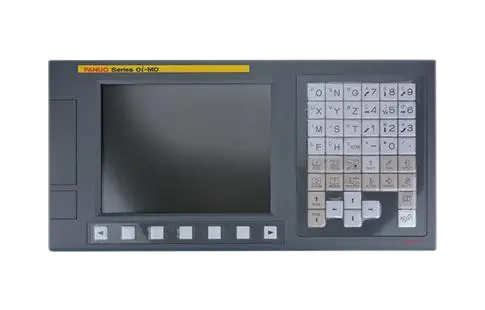

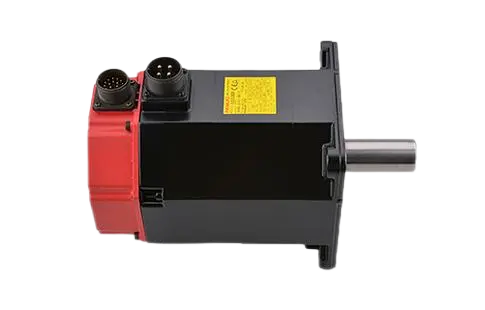
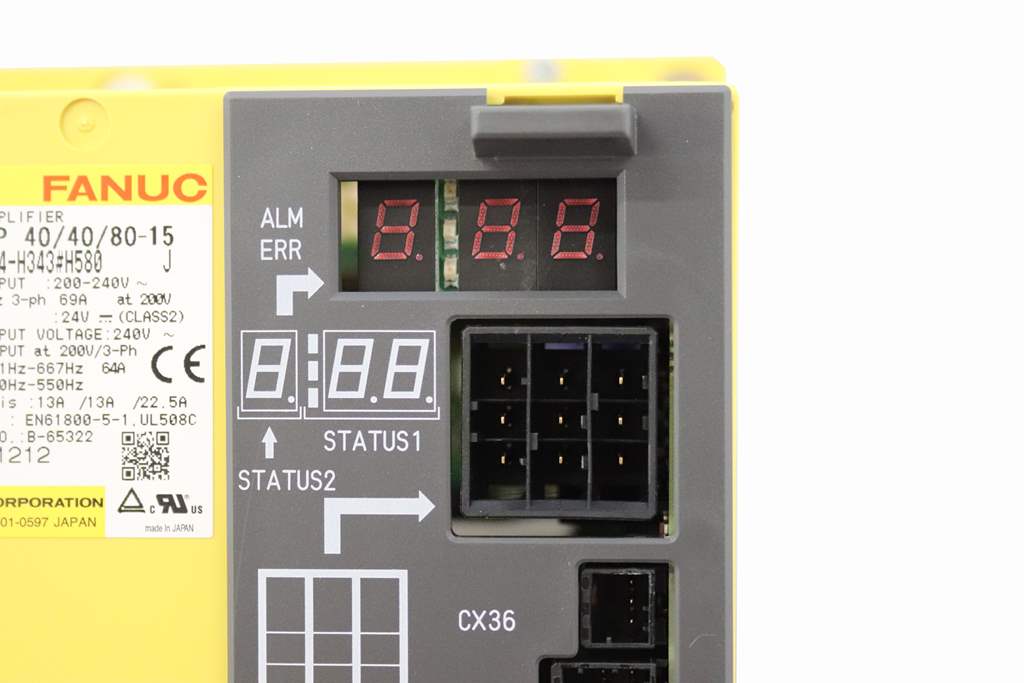
If you're seeing Alarm Code 8 on a FANUC servo motor system, it's not just a random fault—it's a high-priority servo alarm indicating a position deviation that exceeds the allowable limit. In short, the commanded position and the actual position of the servo axis are no longer synchronized.
This alarm is part of the standard FANUC drive alarm list, and it usually appears on the servo amplifier's LED display or in the FANUC CNC controller's alarm diagnostics screen. In this article, we'll explore what Alarm Code 8 really means, why it occurs, and how you can resolve it to prevent unnecessary machine downtime.
Alarm Code 8 is typically defined as:
"Position deviation excess" – The difference between the motor's target position and actual position exceeds the allowable error tolerance configured in the servo parameters.
It's a servo control fault, not a hardware failure per se. This means that while the drive and motor may still be operational, they are no longer within acceptable positional tolerance—posing a major risk to machining accuracy and safety.
Understanding why Alarm Code 8 occurs is essential for effective troubleshooting. Below are the most common root causes:
Binding, jamming, or excessive friction on the machine axis
Loose coupling between motor shaft and mechanical load
Worn ball screws or gear backlash causing lag in movement
Rapid acceleration/deceleration settings in the CNC program may cause the motor to fall behind the commanded position.
Position error tolerance values set too tightly
Servo gain too high or too low, causing instability or lag
A damaged or dirty encoder may return inconsistent position data
Loose or noisy feedback cable between the motor and amplifier
Impact with a workpiece, chuck, or fixture could momentarily delay the servo response
Troubleshooting Alarm 8 is not guesswork. Follow these expert-recommended steps:
Begin by confirming the alarm via the fanuc drive alarm list in your control system or maintenance manual. You may also see a sub-alarm or axis number associated with the fault.
Manually jog the axis and feel for abnormal resistance or backlash.
Inspect linear guides, ball screws, and couplings for wear or misalignment.
Access the CNC system's servo settings and inspect:
Position deviation limit (typically parameter 1829 or similar)
Servo gain (P, I, D parameters)
Adjust with caution and log all changes.
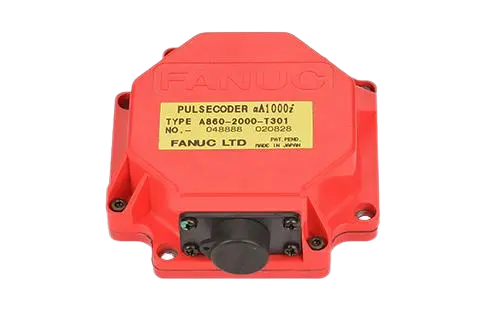
Inspect the encoder and pulse coder cables for loose connections, corrosion, or noise.
Consider performing an encoder alignment or replacing a damaged unit.
Look for excessive acceleration or feed rate changes.
Add dwell times between complex moves to reduce load spikes.
After identifying and fixing the root cause:
Power off the servo amplifier and CNC system completely.
Power back on and check for any residual alarms.
Test run the axis in manual mode before returning to automatic operation.
A customer running a FANUC 31i-MB control with αi servo motors on a 5-axis vertical machining center encountered repeated Alarm 8 on the Z-axis. After inspecting the drive, encoder, and parameter settings, it was discovered that:
The servo gain was manually tuned too aggressively.
The ball screw nut on the Z-axis had increased backlash.
Adjusting the gain and replacing the worn component eliminated the fault entirely. This case underscores the importance of mechanical and parameter alignment in maintaining FANUC servo performance.
Schedule regular axis lubrication and check for mechanical wear.
Log all parameter changes and maintain version-controlled backups.
Use FANUC's Servo Guide software for tuning and waveform analysis.
Replace encoders every 3–5 years in high-cycle environments.
Alarm Code 8 in FANUC servo systems is a position deviation error, often triggered by mechanical problems, parameter misconfiguration, or encoder faults. While it may seem intimidating, it's entirely manageable with the right diagnostic steps and system knowledge.
Understanding your system's fanuc drive alarm list and how to respond to each code is essential for maintaining CNC uptime, especially in high-precision manufacturing environments.
If you're consistently encountering Alarm 8 or similar servo alarms, it may be time to review your mechanical setup or consider upgrading your servo drive configuration.