Nov 14, 2025
Blog

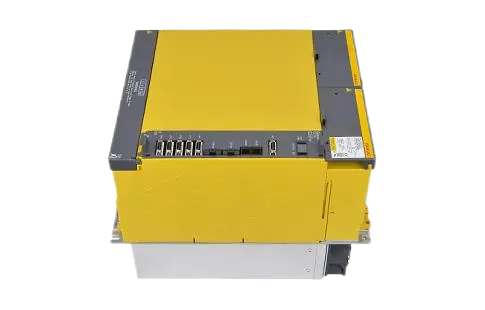
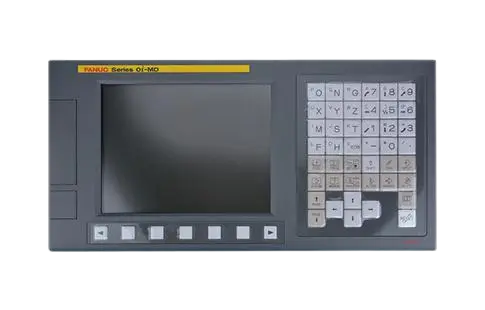
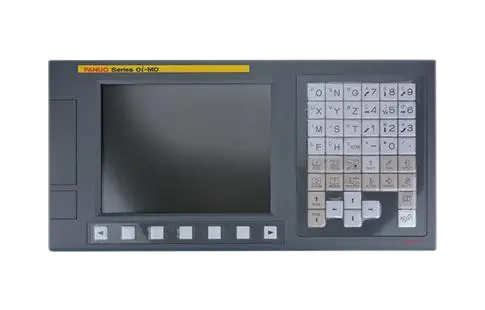

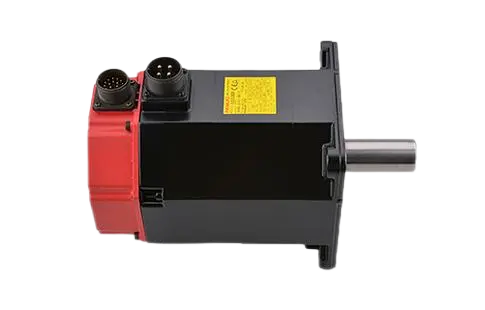
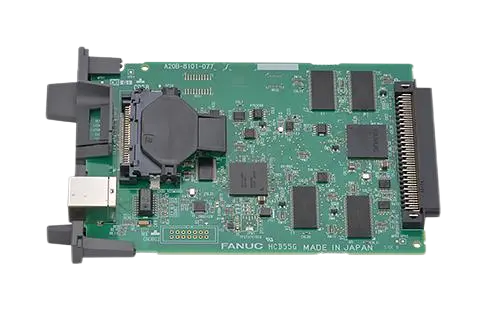
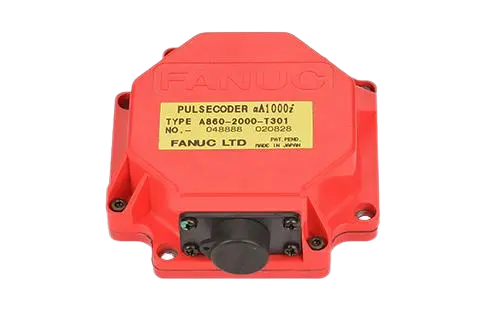
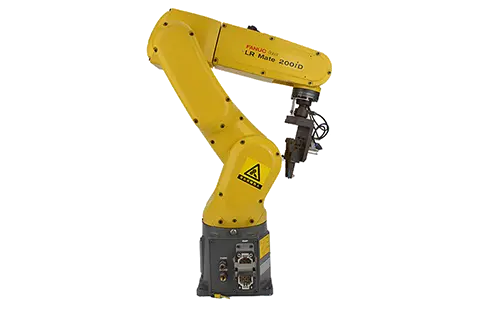
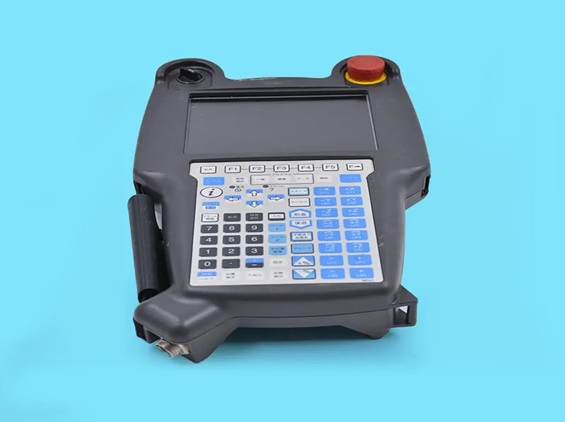
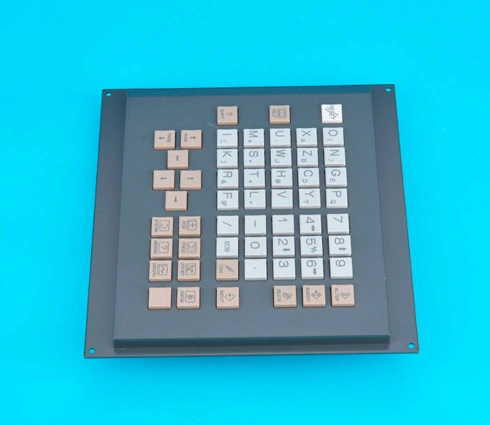
The Fanuc teach pendant is an essential component in automation programming, offering precise control for Fanuc robot parts. Understanding how to effectively utilize a teach pendant can significantly enhance the efficiency of industrial operations and streamline programming tasks. This article is a comprehensive guide on using a teach pendant by breaking down its fundamental aspects, ensuring you gain a thorough understanding of this pivotal tool. We will cover step-by-step instructions, explain basic functions, highlight safety precautions, outline common commands, and provide troubleshooting basics. Whether you are integrating Fanuc motor components or optimizing your existing Fanuc CNC controller, this guide will equip you with valuable insights.
A Fanuc teach pendant is a handheld device used in conjunction with robotics to program and control robotic movements. Step-by-step familiarity ensures optimal utilization, preventing errors in programming that could lead to ineffective operations.
| Step | Description |
|---|---|
| 1 | Connect the teach pendant to the robot controller. |
| 2 | Power on the Fanuc CNC controller and the teach pendant. |
| 3 | Select the correct program mode on the Fanuc CNC control system. |
| 4 | Use the pendant's joystick or buttons to maneuver the robot into the desired position. |
| 5 | Record positions and movements by using the teach pendant controls. |
| 6 | Save the program in the Fanuc teach pendant memory. |
Following these steps carefully ensures that the robot performs tasks precisely as intended, increasing operational efficiency and safety.
The Fanuc teach pendant features several basic functions that are crucial for programming robotic operations. These functions simplify the process of controlling and manipulating robot movements.
| Function | Explanation |
|---|---|
| Jogging | Allows manual positioning of the robot arm using the pendant’s controls. |
| Coordinate Inputs | Enables programming based on specific coordinate data for precise movements. |
| Program Editing | Offers tools for modifying existing programs directly on the teach pendant. |
| Data Management | Facilitates the storage and retrieval of programmed movements and coordinates. |
Understanding these basic functions is essential for leveraging the full potential of the Fanuc teach pendant, improving programming speed and accuracy.
Safety is paramount when operating a Fanuc teach pendant due to the potential hazards associated with robotic operations. Strict adherence to safety protocols ensures protection for both operators and machinery.
| Precaution | Explanation |
|---|---|
| Emergency Stop | Ensure the pendant’s emergency stop button is accessible at all times. |
| Clear Workspace | Maintain a clear and uncluttered area around the robot to avoid accidents. |
| Unauthorized Access | Limit pendant access to trained personnel familiar with the Fanuc CNC control system. |
| Routine Checks | Conduct regular inspections to verify the integrity of the Fanuc teach pendant. |
Implementing these precautions fosters a safe working environment, mitigating risks associated with the use of automation equipment.
Various programmable commands make the Fanuc CNC controller versatile in executing complex robotic tasks. Understanding common commands can streamline programming and operations.
| Command | Functionality |
|---|---|
| MoveL | Programs linear movements to specific coordinates. |
| MoveJ | Commands joint movements for articulated robot parts. |
| START | Begins program execution from a designated point. |
| STOP | Halts robotic operations promptly. |
Becoming familiar with these commands can make using the Fanuc teach pendant and Fanuc CNC controller more intuitive and efficient, leading to improved task execution.
Potential issues with the Fanuc teach pendant can impact operations; knowing basic troubleshooting techniques can quickly resolve common problems.
| Issue | Solution |
|---|---|
| Unresponsive Pendant | Check connectivity between the pendant and the Fanuc CNC controller. |
| Faulty Commands | Verify command inputs and program settings to ensure accuracy. |
| Erratic Movements | Inspect the robot's calibration and pendant controls. |
| Software Errors | Refer to the manual for software updates or contact support. |
Mastering these troubleshooting basics ensures optimal use of the teach pendant, preventing downtime and enhancing productivity.
In conclusion, the Fanuc teach pendant is a vital tool in robotic programming and operation within the realm of automation technology. By following the guidelines outlined in this article, from step-by-step use to understanding basic functions and safety precautions, users can maximize efficiency and effectiveness in some of the most complex industrial applications. Incorporate these insights to confidently approach the Fanuc CNC control system and ensure robust performance in your robotic operations.