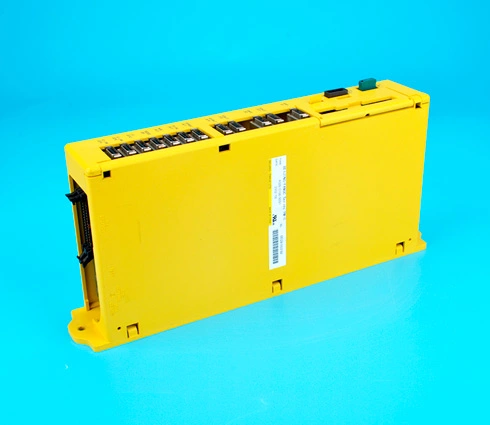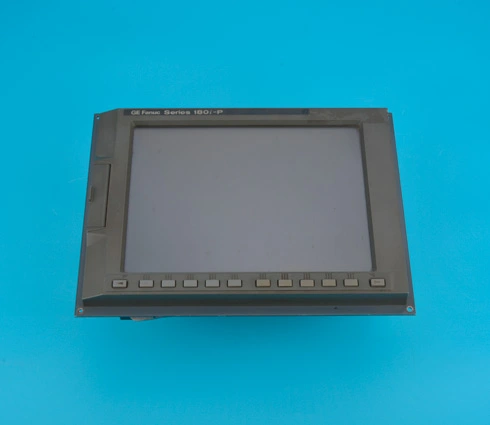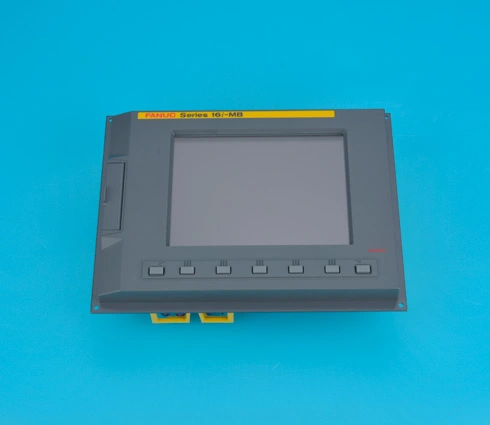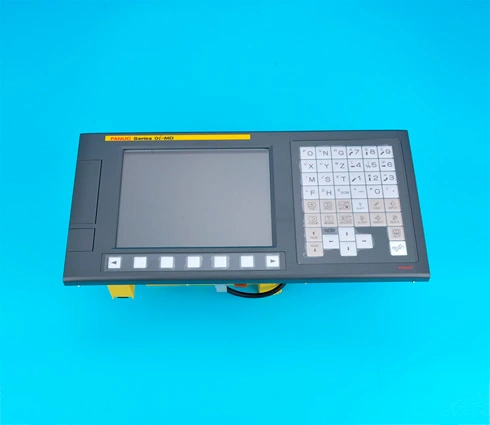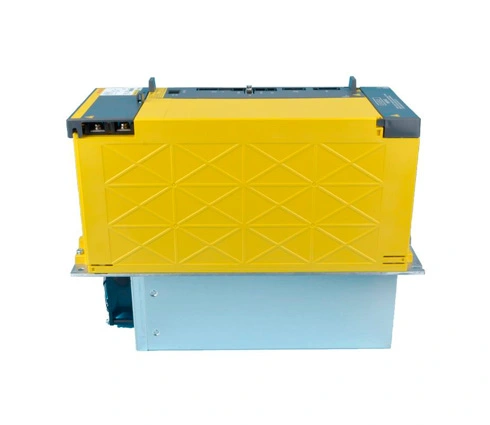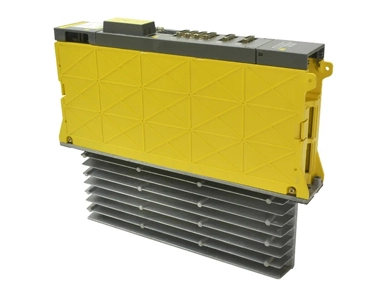
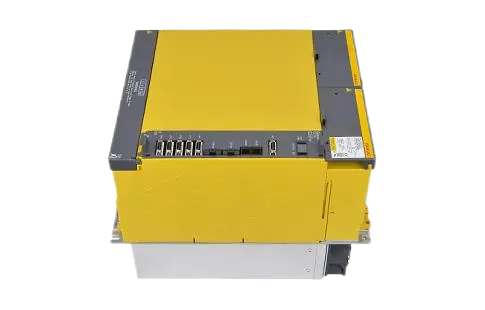
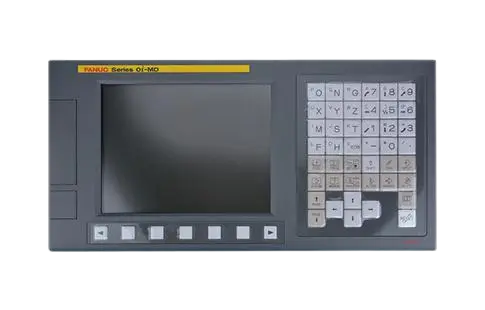
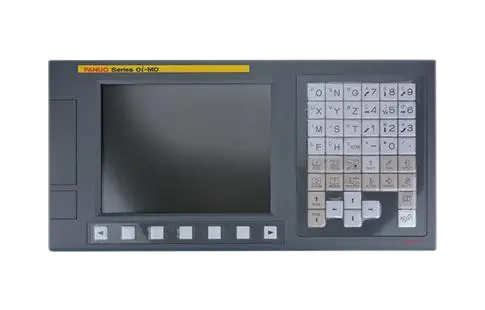

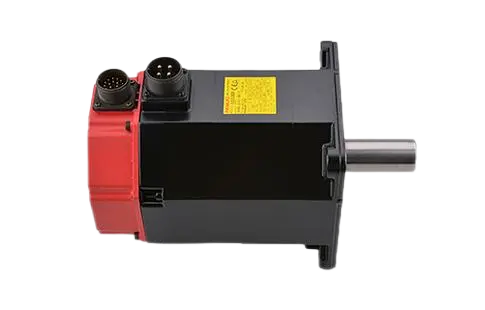
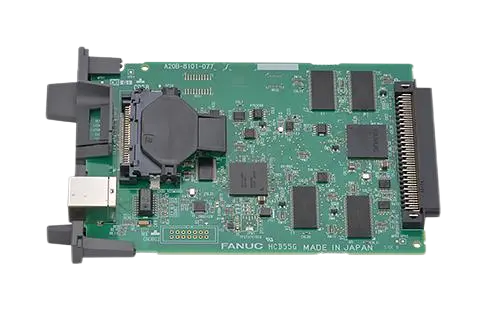
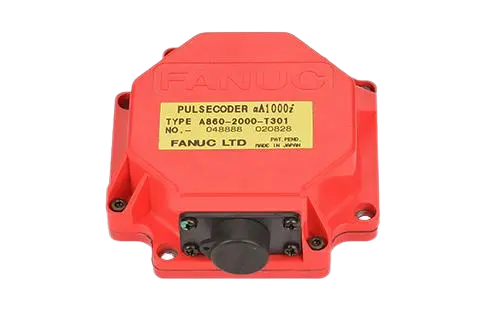
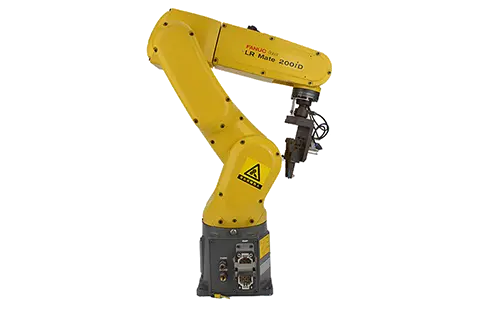
When operating CNC machinery with FANUC systems, alarm codes are essential for identifying issues before they escalate into costly downtime. Among these, Alarm Code 24 on a FANUC drive often raises concern for operators and maintenance teams.
To give a direct answer upfront: Alarm Code 24 on a FANUC drive typically indicates a DC link undervoltage condition. This means the DC bus voltage has dropped below its specified threshold, preventing the servo or spindle amplifier from functioning correctly.
Understanding why this alarm occurs—and how to fix it—is crucial for keeping your machine productive.
What Causes Alarm Code 24 on FANUC Drives?
Several conditions can trigger this error:
Incoming Power Issues
Low input voltage from the power supply.
Fluctuations in the facility's electrical network.
Faulty Power Supply Unit (PSU)
Malfunctioning rectifier or capacitor inside the PSU.
Worn-out power modules unable to maintain DC bus levels.
Loose or Damaged Power Connections
Poor grounding or unstable cabling leading to intermittent voltage drops.
Excessive Load Conditions
Sudden spikes in spindle/servo demand causing the DC link to dip.
Aging Drive Components
Capacitor degradation in the FANUC drive over years of operation.
Step-by-Step Troubleshooting for Alarm Code 24
1. Verify Incoming AC Power
Check line voltage with a meter to ensure it matches FANUC specifications.
Stabilize the supply using an uninterruptible power source (UPS) or line stabilizer if needed.
2. Inspect the Power Supply Module
Look for overheating, burnt marks, or bulging capacitors.
Test the PSU output to confirm DC bus levels remain steady under load.
3. Examine Drive Connections
Tighten all main power cables to the FANUC amplifier.
Check grounding connections for corrosion or looseness.
4. Reduce Excessive Mechanical Load
Inspect spindles and servo axes for binding or over-torque conditions.
Ensure the machine is not demanding acceleration beyond rated specs.
5. Replace Worn or Defective FANUC Drive Units
If the drive capacitor bank is degraded, the only reliable fix is replacement.
Always use genuine replacement drives for long-term stability.
Preventing Future Alarm 24 Errors
Schedule preventive maintenance to monitor capacitor health.
Maintain a stable facility power network with surge protection.
Use load monitoring to ensure machines run within rated drive capacity.
Keep drives clean and adequately cooled to avoid premature component wear.
FAQ: Alarm Code 24 on FANUC Drives
What does Alarm 24 mean on a FANUC drive?
It indicates DC link undervoltage, usually caused by unstable input power, PSU failure, or degraded drive capacitors.
Can I reset Alarm 24 without fixing the issue?
While resetting clears the alarm temporarily, the error will recur unless the root cause—power or drive hardware—is resolved.
Is Alarm 24 dangerous to the FANUC CNC machine?
Not immediately, but repeated undervoltage events can stress the spindle and servo systems, risking larger failures.
Do I need to replace the FANUC drive for Alarm 24?
Not always. First check power quality and connections. If the drive capacitor bank is aged or defective, then replacement is required.
Conclusion
Alarm Code 24 on a FANUC drive is a clear warning of undervoltage in the DC bus circuit. By checking power supply quality, ensuring stable connections, and evaluating the health of the drive's internal components, operators can quickly restore CNC performance. In cases of component failure, investing in an original replacement FANUC drive ensures reliability and minimizes downtime.