May 30, 2025
Blog

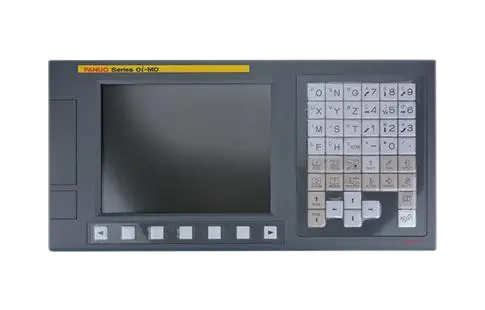

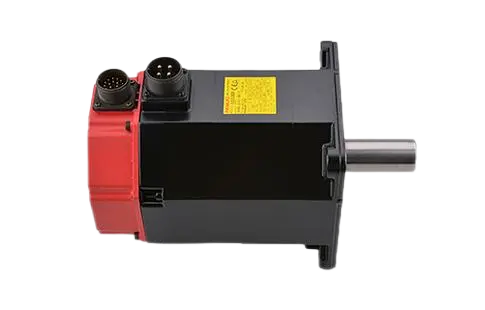
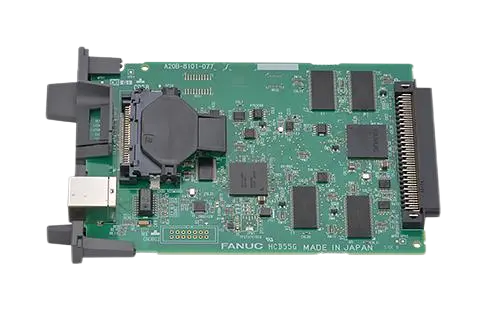
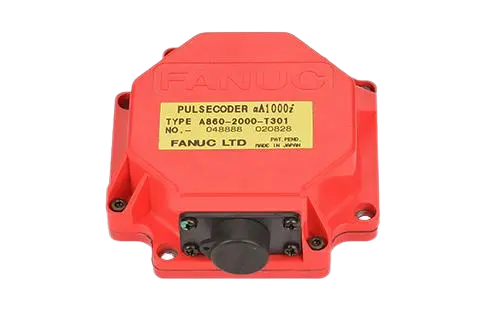
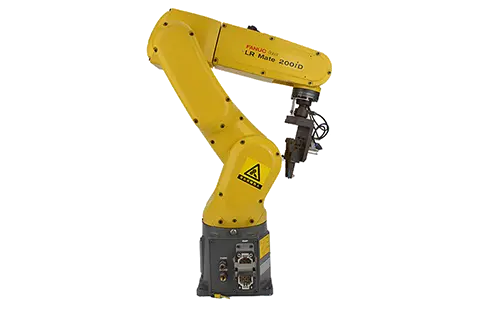
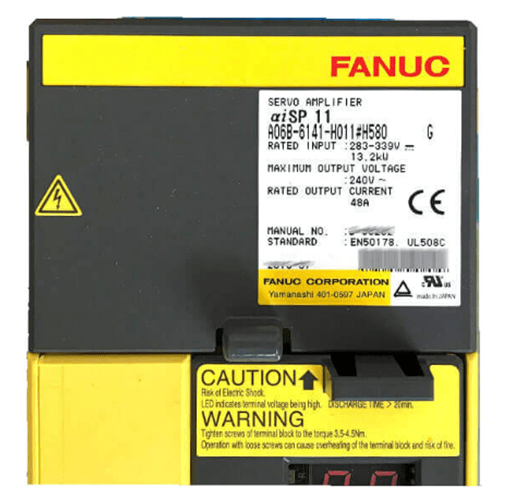
In the world of CNC automation, FANUC control systems are recognized for their precision, durability, and operational consistency. However, even the most reliable systems rely on a robust error-reporting mechanism to safeguard machines and processes. These mechanisms take the form of FANUC alarm codes—essential diagnostic tools that signal issues within drives, motors, or controller subsystems.
So, what are FANUC alarm codes, and why are they critical to effective CNC troubleshooting?
Fanuc alarm codes are structured error messages triggered by the system when predefined fault conditions occur. These codes offer critical insight into hardware faults, communication issues, overcurrent conditions, spindle anomalies, and more. Understanding and interpreting these codes is essential for maintaining uptime and preventing catastrophic machine failure.
FANUC alarms can be grouped into several categories based on the component or fault type involved:
These relate to motion control issues—primarily involving the servo amplifier, motors, and communication pathways.
Examples:
SV038 – Servo overcurrent
SV050 – Excess position deviation
SV9010 – Serial communication failure (servo)
These are among the most referenced entries in the fanuc drive alarm list and are crucial for diagnosing mechanical or feedback errors in axis control systems.
Specific to spindle drive communication and operational states, often labeled with "SP" prefixes.
Examples:
SP9005 – Spindle control power fault
SP9073 – Serial spindle communication error
SP9011 – Alarm at spindle amplifier side
Originating from programmable machine control logic, these alarms indicate missteps in logic execution or I/O conflicts.
Examples:
P/S100 – PMC control error
P/S101 – Ladder circuit loop detected
These alarms are triggered by parameter errors, memory corruption, or internal software problems within the FANUC control system.
Examples:
P/S007 – Parameter not set
SR010 – SRAM fault in main board
The fanuc drive alarm list is the industry-standard reference that outlines amplifier-side alarms for both servo and spindle drives. It includes fault IDs, definitions, root causes, and recommended countermeasures.
Why is this important? Because drive alarms are real-time reflections of physical conditions—they often detect electrical or mechanical problems faster than any visual inspection or test run.
The drive alarm list typically includes:
Alarm ID (e.g., AL-02, AL-11)
LED blinking patterns on the drive unit
Fault category (overvoltage, overcurrent, overheating, etc.)
Hardware location (axis number, drive slot, motor ID)
Use the code prefix (SV, SP, SR, P/S) to isolate whether it's a servo, spindle, system, or PMC error.
Check the CNC diagnostic screen, LED indicators on the amplifier, and the alarm history log.
Use the drive alarm list to determine:
Whether the alarm is recoverable or non-recoverable
The most likely root cause
Whether it's safe to attempt a reset or if a hardware inspection is required
For motion-related alarms (e.g., AL-01 Overcurrent or AL-81 Overregen), inspect:
Brake resistors
Motor cabling
Encoder feedback lines
Mechanical load and backlash
Only reset alarms after verifying root causes—particularly for hardware-protective alarms.
Case 1: AL-03 Overheat Alarm on αi Servo Amplifier
Root cause: Dust-clogged fan vents
Action: Cleaned vents, replaced faulty cooling fan
Resolution: Alarm cleared; axis performance normalized
Case 2: SP9073 Spindle Serial Error on 0i-TF Control
Root cause: Faulty fiber optic cable between CNC and amplifier
Action: Replaced cable, rechecked grounding
Resolution: Spindle communication restored
Keep an up-to-date fanuc drive alarm list accessible to your maintenance team
Log and analyze recurring alarms for proactive diagnosis
Perform routine checks on fan filters, cabling, and parameter settings
Use diagnostic tools like FANUC Servo Guide or FSSB tools to capture waveform data and communication health
Replace aging amplifiers and motors before they begin triggering intermittent alarms
FANUC alarm codes are not just error messages—they're precision tools for machine diagnostics. Whether you're dealing with servo overcurrent, spindle communication faults, or parameter mismatches, knowing how to interpret and act on these alarms is vital for keeping production lines running smoothly.
By maintaining and utilizing a comprehensive fanuc drive alarm list, technicians and engineers can:
Reduce mean time to repair (MTTR)
Minimize unscheduled downtime
Protect machine tool investments
For manufacturers and maintenance teams working with FANUC-controlled equipment, alarm literacy is operational security.